
IPTV player guides, tips and fixes
Clear, practical answers for getting your playlist to play well: setting up TVs, sticks and boxes, M3U and Xtream Codes, the TV guide, and fixing what goes wrong.
- Troubleshooting7 min readIPTV EPG Not Showing? Check the Source and Channel MatchChannels playing but the guide is empty? Check where your EPG comes from, whether it covers today and how its entries match your playlist.
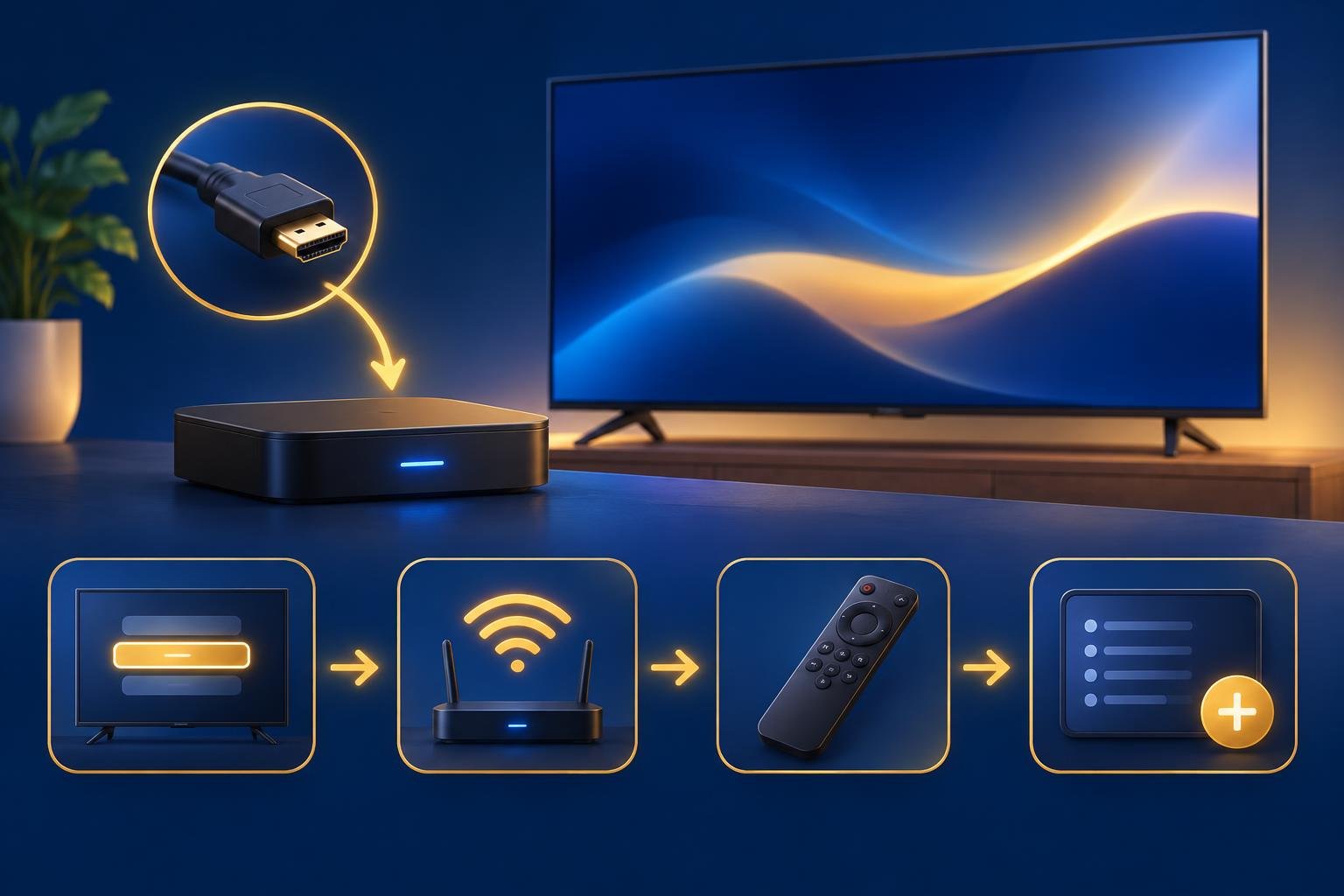 Devices7 min readConnect IPTV Box to Samsung TV: From HDMI to PlaybackConnect your box or Fire TV Stick, choose the right Samsung HDMI input, and get your own playlist playing on the attached device.
 Troubleshooting8 min readXtream Codes Login Failed: Check the Server, Port and PasswordCheck each login field separately, understand what an error can and cannot tell you, and test corrected details before refreshing your app.
 Devices8 min readInstall OSM PLAYER on Firestick: Appstore or Downloader?Start with the Amazon Appstore, use Downloader only on a compatible device, and keep installation separate from playlist setup and activation.
 Troubleshooting7 min readM3U Playlist Not Loading? Check the Link Before ReinstallingCheck whether your playlist link is incomplete, expired or unreachable before changing app settings or reinstalling your player.
7 days freeno card needed
Try OSM PLAYER free for 7 days
Install the app, add your playlist on this site and press Refresh on your TV. Activate it only if you love it.
OSM PLAYER is a media player. It does not sell or include any content.